Saniya Gazala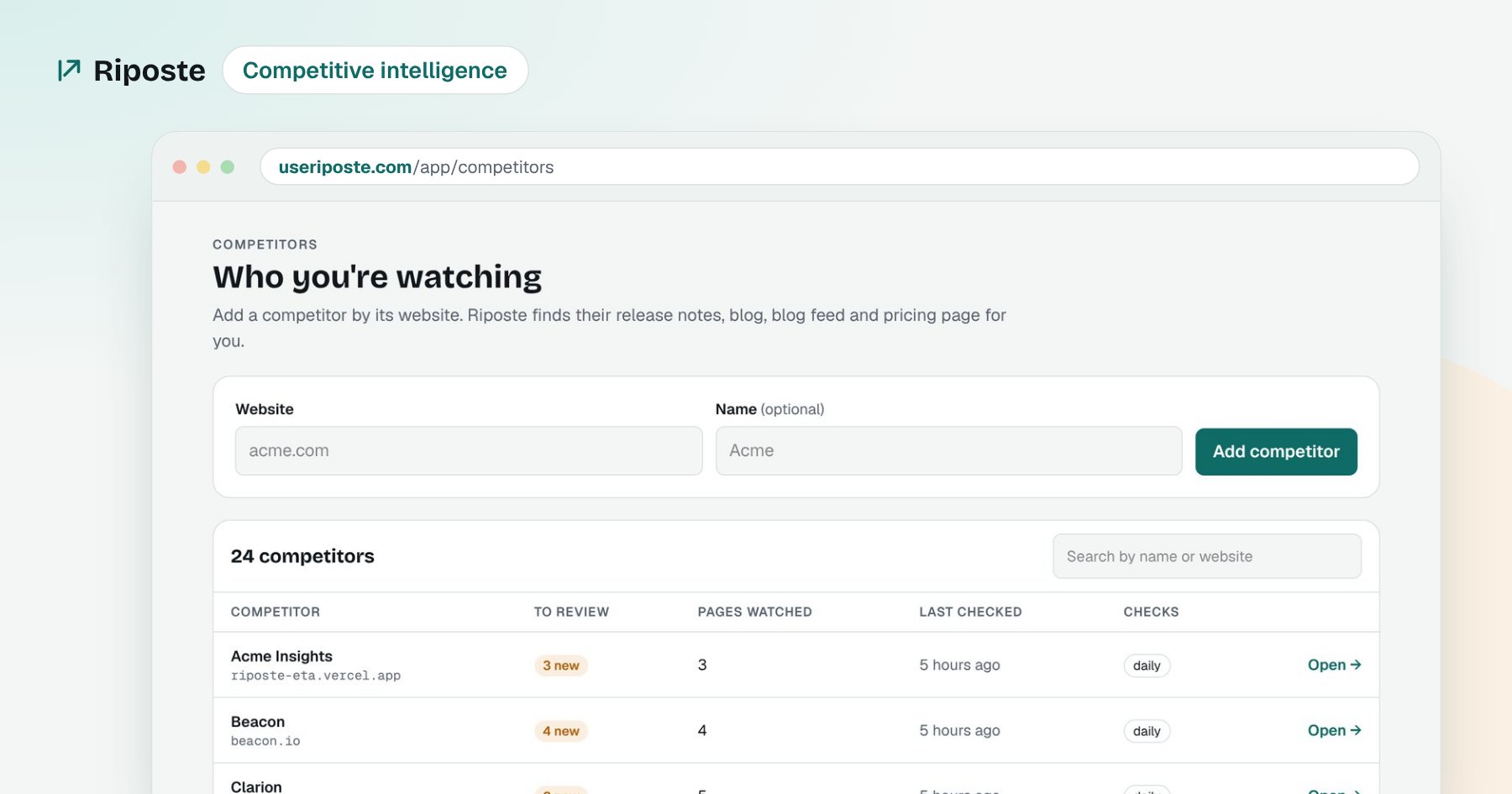
In short
Track 3 to 5 competitors, not 20. Watch five pages for each: pricing, release notes, blog feed, sitemap and homepage. Compare each page with its last version, ignore noise like dates and banners, and judge every real change against your own product and buyers. Then turn each change into one action with an owner. Automate the checking so your time goes into the response.
On this page
- 01Pick 3 to 5 competitors, not 20
- 02Watch five pages for each competitor
- 03Compare with the last version, and ignore the noise
- 04Judge every change against your own product
- 05Turn each change into one action, with an owner
- 06Automate the checking, keep the thinking
- ✓The bottom line
- ?Frequently asked questions
Every Monday, I used to spend two to three hours on competitor research. I put each competitor's domain into an SEO tool, downloaded their recent pages, and compared them with last week's export in a spreadsheet. If a page showed up again, we assumed it had been "optimized". Nobody checked what actually changed.
It was slow, and it was also unreliable. If one competitor had nothing new, I moved on, so which competitors got covered changed from week to week. Here is the system I use now instead.
Pick 3 to 5 competitors, not 20
Start with the companies you lose deals to, or the ones your buyers mention on calls. A short list you watch properly beats a long list you skim. You can add more later.
Watch five pages for each competitor
For each competitor, find these pages once:
- Pricing page: plans, prices, limits and packaging.
- Release notes or changelog: what they ship.
- Blog feed (RSS): every new post, with its date.
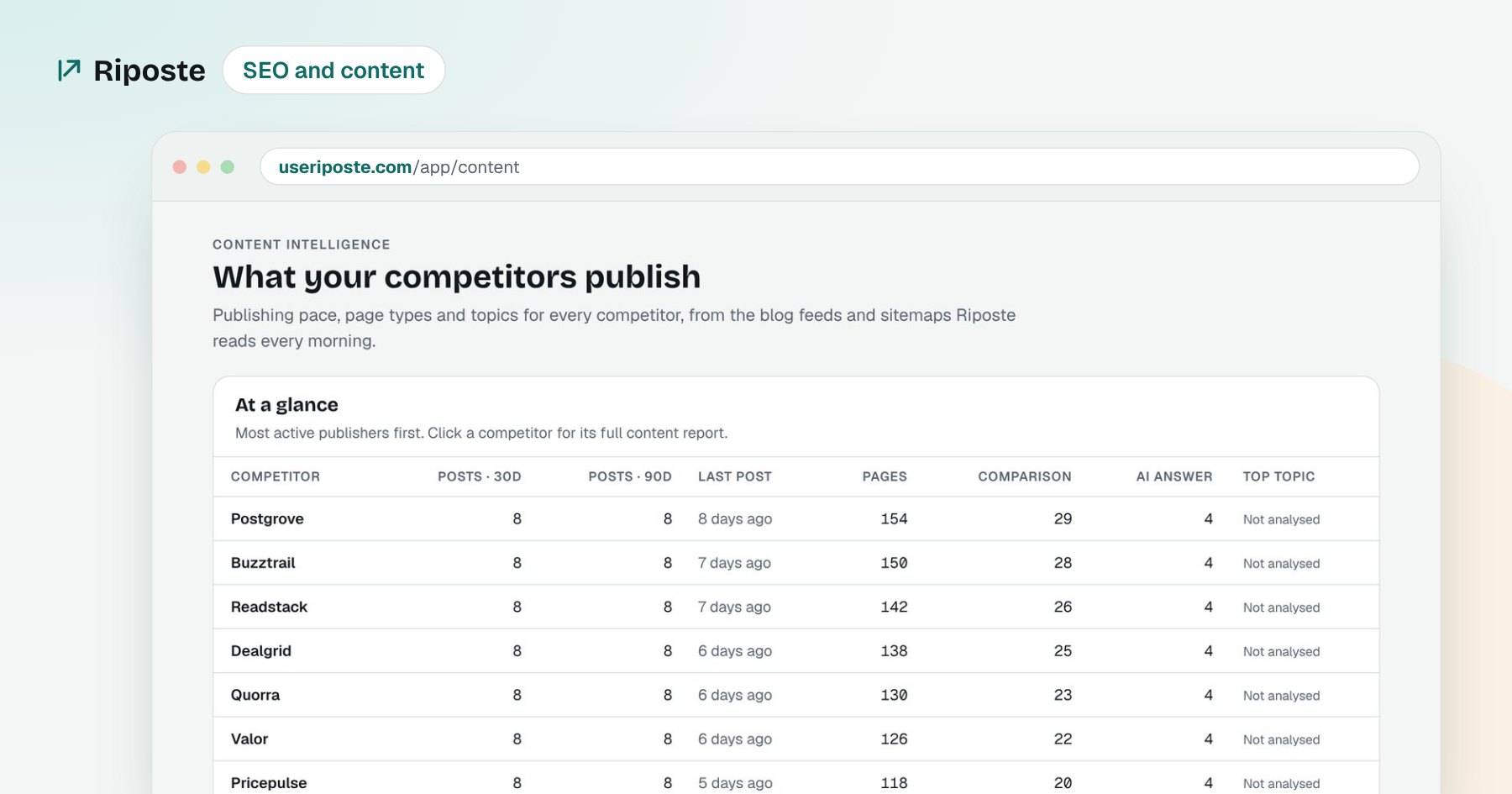
- Sitemap: every page on their site, so you see new comparison pages and guides.
- Homepage: the headline and positioning they lead with.
Where to find them
Most sites link these in the footer. The sitemap usually lives at /sitemap.xml, and the blog feed at /feed or /rss.xml.
Compare with the last version, and ignore the noise
The useful question is not "did this page change?" but "what changed?". Keep a copy of each page, and compare only the main content with the last copy. Ignore things that change all the time: dates, view counts, cookie banners, menus and rotating logos. Otherwise every page looks changed every day, and you stop trusting your own tracking.
Judge every change against your own product
A price rise from $49 to $59 can be noise for one company and a big opening for another. For every real change, write down:
- What changed, with the exact numbers or words.
- Why it matters to you, for your buyers and your positioning.
- How big it is: high, medium or low.
Turn each change into one action, with an owner
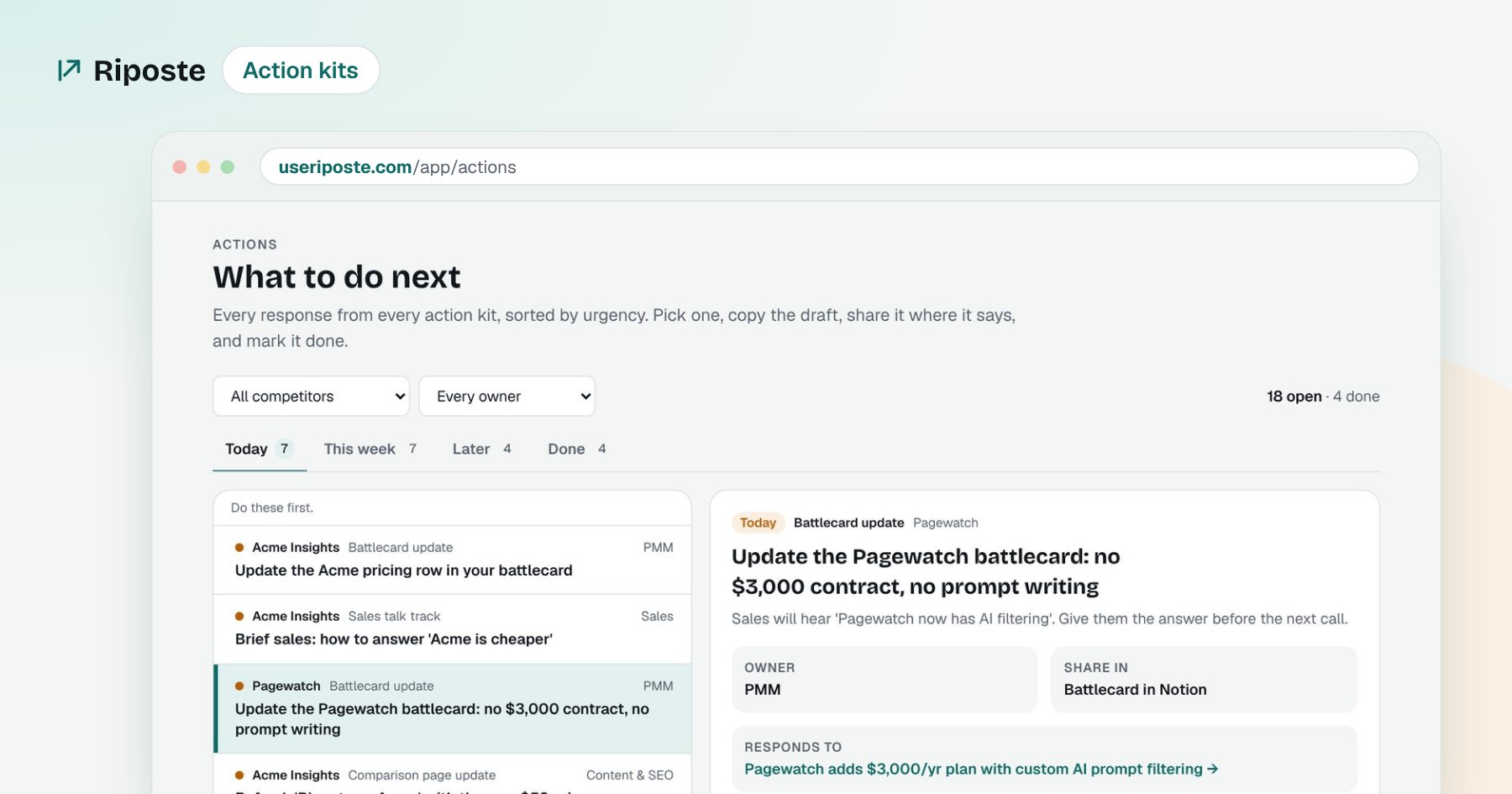
This is the step most teams skip. A change only matters if someone does something about it. For each signal, decide one action, such as updating a battlecard, briefing sales, refreshing a comparison page or writing a post. Give it an owner and a deadline.
Automate the checking, keep the thinking
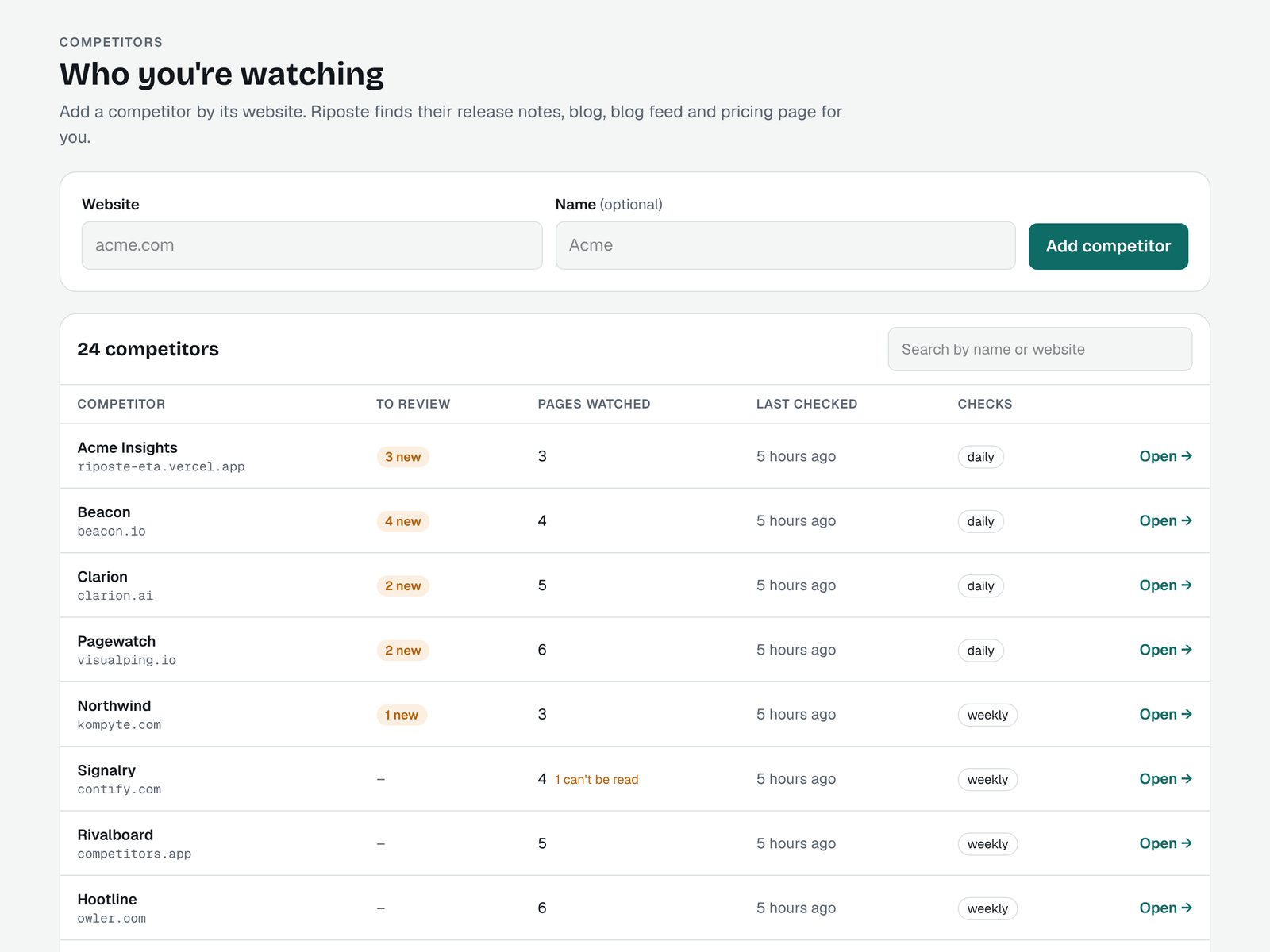
Steps 2 and 3 are repetitive, so a system should do them for you. Your time should go into steps 4 and 5. That is why I built Riposte: it checks competitor pages every morning, explains each change against your product, and drafts the response with an owner, so the Monday routine becomes a short review.
The bottom line
Watch a few competitors properly, compare only the content that matters, judge every change against your own product, and give each one an owner. Automate the checking, and keep the thinking for yourself.
Frequently asked questions
How many competitors should I track?
Start with the 3 to 5 you lose deals to most often. Tracking 20 competitors by hand means none of them get real attention. Add more only once the first few run on their own.
Which competitor pages matter most?
Pricing, release notes or changelog, the blog feed, the sitemap and the homepage. Pricing and release notes show what they sell. The blog feed and sitemap show what they want to rank and be cited for.
How often should I check competitors?
Daily is enough for most B2B markets. Competitors rarely change pricing or positioning by the hour, and a daily check catches everything that matters while keeping the noise down.
What is the difference between competitor monitoring and competitive intelligence?
Monitoring tells you that something changed. Competitive intelligence tells you what it means for your product and what to do about it. Most teams have the first and miss the second.
What is the best tool to track competitors?
It depends on team size. Enterprise platforms like Crayon and Klue suit large sales teams, while Riposte is built for small marketing teams: it checks competitors every morning and drafts your response.
How much do competitor tracking tools cost?
Enterprise competitive intelligence platforms usually sell annual contracts with custom pricing. Simple page-change monitors cost less but only say that a page changed, and Riposte is free during its beta.
Can I track competitors for free?
Yes, by hand: bookmark their pricing, changelog and blog, subscribe to their newsletter and blog feed, and check weekly. It works for two or three competitors but takes hours as you add more.
How do I track competitor pricing changes?
Watch each competitor's pricing page and compare it with the last saved version, ignoring noise like banners. Note the date of every change so your battlecards and comparison pages stay accurate.
How do I track competitor product launches?
Watch their release notes or changelog, their blog feed and news coverage. Launches almost always show up in one of these three first.
What should I do with competitor insights?
Turn each real change into one action with an owner, such as a battlecard update, a sales talk track or a comparison page fix. An insight no one acts on is just noise.